Table of Contents
- Introduction
- Direct Answer
- Quick Comparison Table
- Deep Meanings & Definitions
- Historical Origin & Etymology
- Pronunciation Guide
- The Technical Differences
- Correct Spelling & Common Typos
- Mnemonic Devices
- Regional Variations
- Singular and Plural Forms
- Grammar Rules
- Synonyms and Antonyms
- Formal vs. Informal Usage
- Illustrative Examples
- Practice Section (15 MCQs)
- Frequently Asked Questions
- Conclusion
Introduction
I have noticed that one of the most common questions about digital images is whether to save files as JPEG or JPG. This confusion appears everywhere—from graphic design software to smartphone cameras. Understanding the difference between these two extensions is essential for anyone working with digital images. In this guide, I will explain the history, technical details, and practical usage of both formats.
Direct Answer
JPEG and JPG are the exact same image format. The only difference is the file extension length. “JPEG” (4 letters) and “JPG” (3 letters) refer to the same lossy compression format created by the Joint Photographic Experts Group. Both are used interchangeably across operating systems.
Quick Comparison Table
| Feature | JPEG | JPG |
| Full Form | Joint Photographic Experts Group | Same (shortened version) |
| File Extension | .jpeg | .jpg |
| Technical Difference | None | None |
| Origin | Mac/Linux systems | Windows (3-character limit) |
| Usage | Interchangeable | Interchangeable |
| Compression | Lossy | Lossy |
Deep Meanings & Definitions
JPEG (Joint Photographic Experts Group):
- A standardized image compression format designed for photographs
- Uses lossy compression to reduce file size
- Supports 24-bit color (over 16 million colors)
- Best for continuous-tone images like photographs
JPG:
- The same format as JPEG
- Created due to early Windows 3-character file extension limit
- Identical compression and quality characteristics
Historical Origin & Etymology
Origin of the Format:
- The JPEG standard was created in 1992 by the Joint Photographic Experts Group (ISO subcommittee)
- Named after the committee that developed the standard
The Extension Split:
- JPEG was the original file extension used on Mac and Linux systems
- Early Windows versions (MS-DOS) had a 3-character file extension limit
- JPEG was shortened to JPG for Windows compatibility
Pronunciation Guide
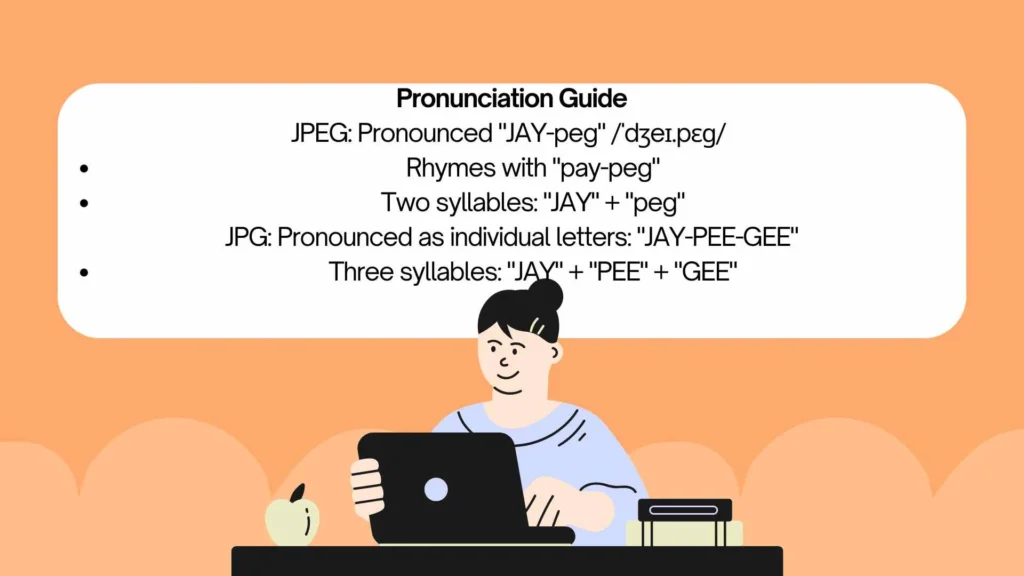
JPEG: Pronounced “JAY-peg” /ˈdʒeɪ.pɛɡ/
- Rhymes with “pay-peg”
- Two syllables: “JAY” + “peg”
JPG: Pronounced as individual letters: “JAY-PEE-GEE”
- Three syllables: “JAY” + “PEE” + “GEE”
The Technical Differences
The Short Answer:
- No technical difference exists between JPEG and JPG
- Both use the same lossy compression algorithm (DCT)
Image Quality:
- Both support up to 16.7 million colors
- Both use lossy compression (some data is discarded)
- Both allow adjustable compression levels
Compatibility:
- Both formats are universally supported across devices and software
- Can be opened and saved interchangeably
Correct Spelling & Common Typos
Correct:
- JPEG (capital letters)
- JPG (capital letters)
- .jpeg (file extension)
- .jpg (file extension)
Common Typos:
- JEPG (swapped letters)
- JPGE (swapped letters)
- JPG (already correct)
- JPEG (already correct)
Mnemonic Devices
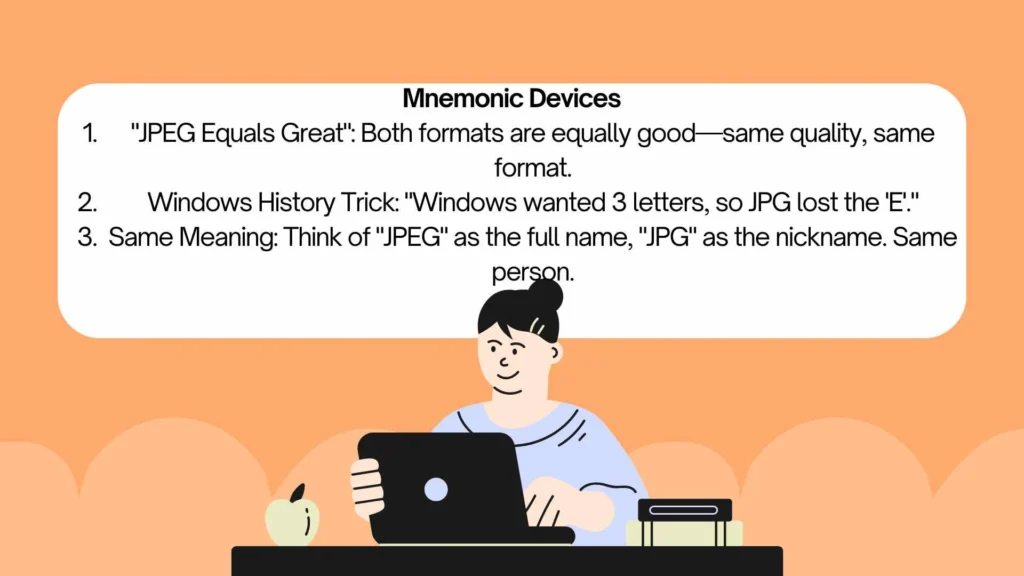
- “JPEG Equals Great”: Both formats are equally good—same quality, same format.
- Windows History Trick: “Windows wanted 3 letters, so JPG lost the ‘E’.”
- Same Meaning: Think of “JPEG” as the full name, “JPG” as the nickname. Same person.
Regional Variations
No Regional Variation:
Both formats are used globally without regional preferences:
- American English: JPEG and JPG both used
- British English: JPEG and JPG both used
- Canadian English: Both used
- Australian English: Both used
Software Differences:
- Some software defaults to .jpg, others to .jpeg
- No regional pattern exists
Singular and Plural Forms
Singular:
- “I saved this as a JPEG.”
- “This is a JPG file.”
Plural:
- “JPEGs” (or JPEG files)
- “JPGs” (or JPG files)
Possessive:
- “The JPEG’s quality was excellent.”
- “The JPG’s file size was small.”
Grammar Rules
Part of Speech: Noun (also used as adjective)
Usage Examples:
- Noun: “I saved the photo as a JPEG.”
- Adjective: “JPEG compression is lossy.”
Capitalization:
- Both are acronyms and can be written in all caps
- Lowercase (.jpeg, .jpg) used for file extensions
Synonyms and Antonyms
Synonyms:
- JPEG image
- JPG image
- JPEG/JPG file
- Digital photograph
Related Formats:
- PNG (lossless, supports transparency)
- GIF (lossless, supports animation)
- TIFF (lossless, higher quality)
- RAW (uncompressed camera format)
Antonyms:
- Lossless formats (PNG, TIFF)
- Uncompressed formats
Formal vs. Informal Usage
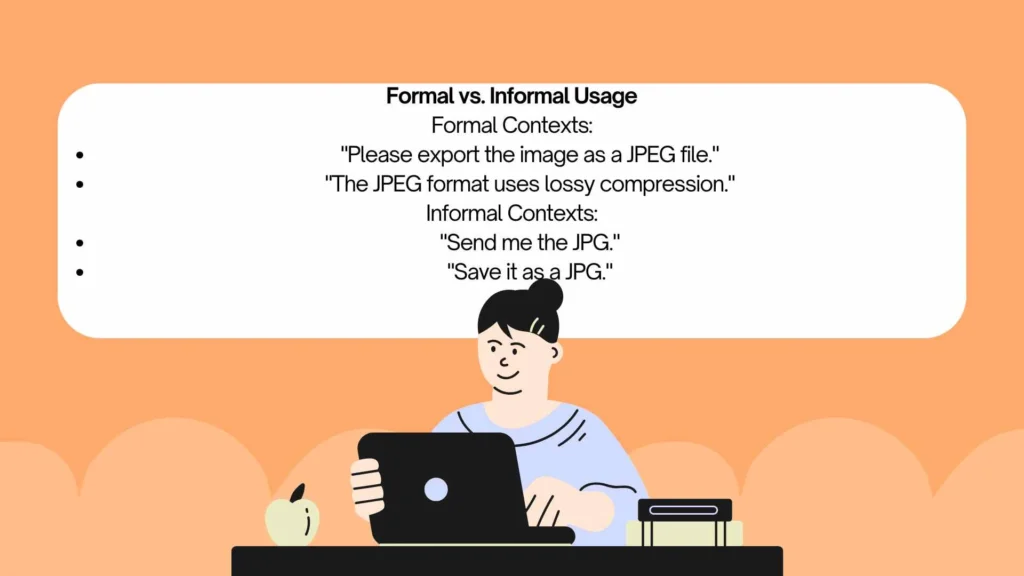
Formal Contexts:
- “Please export the image as a JPEG file.”
- “The JPEG format uses lossy compression.”
Informal Contexts:
- “Send me the JPG.”
- “Save it as a JPG.”
Software Settings:
- Most programs show “JPEG” in the file type dropdown
- Some default to “.jpg” in the file name
Illustrative Examples
- I saved the photograph as a JPEG file.
- The website requires images in JPG format.
- JPEG compression reduces file size significantly.
- Most digital cameras save photos as JPG files.
- The designer exported the image as a JPEG.
- You can convert a JPG to other formats.
- JPEG files support over 16 million colors.
- The email attachment was a JPG image.
- JPEG is the most common image format online.
- The print shop requested JPEG files.
- I changed the file extension from JPG to JPEG.
- Both JPEG and JPG are the same format.
Practice Section (15 MCQs)
- JPEG stands for:
- a) Joint Photographic Experts Group
- b) Just Picture Exchange Group
- c) Joint Picture Experts Group
- d) Java Photo Exchange Group
- JPG and JPEG are:
- a) Different formats
- b) The same format
- c) One is better than the other
- d) Both lossless
- Why do both JPEG and JPG exist?
- a) Different compression algorithms
- b) Windows 3-character file extension limit
- c) Regional differences
- d) Quality differences
- Which file extension is used on Mac systems?
- a) JPG
- b) JPEG
- c) Both
- d) Neither
- JPEG uses what type of compression?
- a) Lossless
- b) Lossy
- c) No compression
- d) Variable
- When was the JPEG standard created?
- a) 1985
- b) 1992
- c) 2000
- d) 2010
- Which file format is NOT the same as JPEG?
- a) .jpeg
- b) .jpg
- c) .png
- d) .jif
- JPEG supports how many colors?
- a) 256
- b) 65,000
- c) 16 million
- d) 1 billion
- The correct pronunciation of JPEG is:
- a) Jay-Peg
- b) Jay-Pee-Gee
- c) J-Peg
- d) Je-Peg
- Which system had a 3-character file extension limit?
- a) Mac
- b) Linux
- c) Early Windows
- d) Android
- JPEG is best suited for:
- a) Line drawings
- b) Photographs
- c) Text documents
- d) Animation
- Which format is commonly used on the web?
- a) JPEG
- b) JPG
- c) Both
- d) Neither
- The “lossy” in lossy compression means:
- a) No data is lost
- b) Some data is discarded
- c) File size increases
- d) Quality improves
- Which is NOT a JPEG file extension?
- a) .jpeg
- b) .jpg
- c) .jfif
- d) .bmp
- “The ___ quality was excellent.” Fill in:
- a) JPEGs
- b) JPEG’s
- c) JPEG’
- d) JPEGs’
Answer Key:
- a
- b
- b
- c
- b
- b
- c
- c
- a
- c
- b
- c
- b
- d
- b
Frequently Asked Questions
Q1: Are JPEG and JPG the same?
Yes, JPEG and JPG are the exact same image format. The only difference is the file extension length: .jpeg (4 letters) and .jpg (3 letters) .
Q2: Why do JPEG and JPG both exist?
The dual extension exists because early Windows operating systems had a 3-character limit for file extensions. JPEG was shortened to JPG for Windows compatibility. Mac and Linux systems kept the 4-character .jpeg extension .
Q3: Which format should I use, JPEG or JPG?
Either format works fine. Most software saves as .jpg by default. Some programs use .jpeg. Both are interchangeable and produce identical results .
Q4: What does JPEG stand for?
JPEG stands for Joint Photographic Experts Group, the ISO subcommittee that created the image compression standard in 1992 .
Q5: Is JPEG a lossy or lossless format?
JPEG is a lossy compression format. Some image data is discarded during compression to reduce file size. This data loss is generally imperceptible to the human eye .
Conclusion
I hope this guide has clarified the confusion between JPEG and JPG. Remember that JPEG and JPG are the exact same format—the only difference is the file extension length . The dual extension exists solely because of early Windows limitations. Both formats use the same lossy compression algorithm, support 16 million colors, and are suitable for photographs and web use. You can use either extension interchangeably without any impact on quality or compatibility.

Olivia Turner is a lifestyle and contemporary romance writer who focuses on positivity and everyday inspiration. Her stories are light, relatable, and filled with warmth, making them perfect for readers looking for uplifting content. Olivia draws inspiration from daily life and simple joyful moments.
📚 Books:
- Love & Coffee
- Chasing Happiness
- Moments That Matter
 Ethan Walker